

Oliver Wang

Indie Game Developer

Hi, I’m Oliver!

I'm a solo indie game developer with experience in Godot, Unity, and Unreal Engine. I love building gameplay systems, experimenting with visuals, and optimizing performance. Feel free to say hi, bonjour, こんにちは, or 你好. I can get by in French, Japanese, and Mandarin too!

Years in gaming
5+
Years developing
3+
Unfinished bestsellers
12+
GodotUnityUnreal EngineC#C++PythonGDScript🇨🇦
Oliver making a playful face at his toddler daughter in her stroller, her face out of frame.Oliver seated indoors in a black shirt, looking to the side.
Zombie hordes fill the screen beneath orange explosions and green particle effects.

Day Of Purgatory

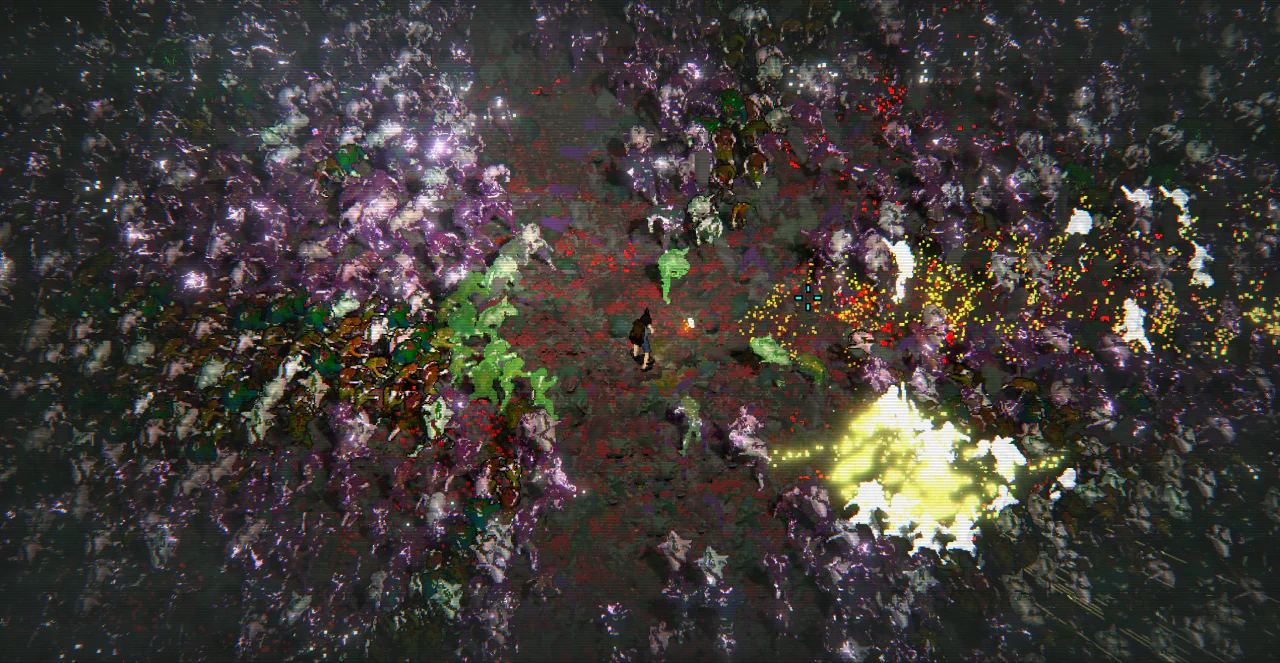
One survivor, way too many zombies. A survivors-like built around massive hordes, ridiculous amounts of effects, extreme variation and customization, all while making sure the GPU doesn't give up halfway through.
GodotC#PythonCustom ECSGPU InstancingAdvanced ShadersTerrain Streaming
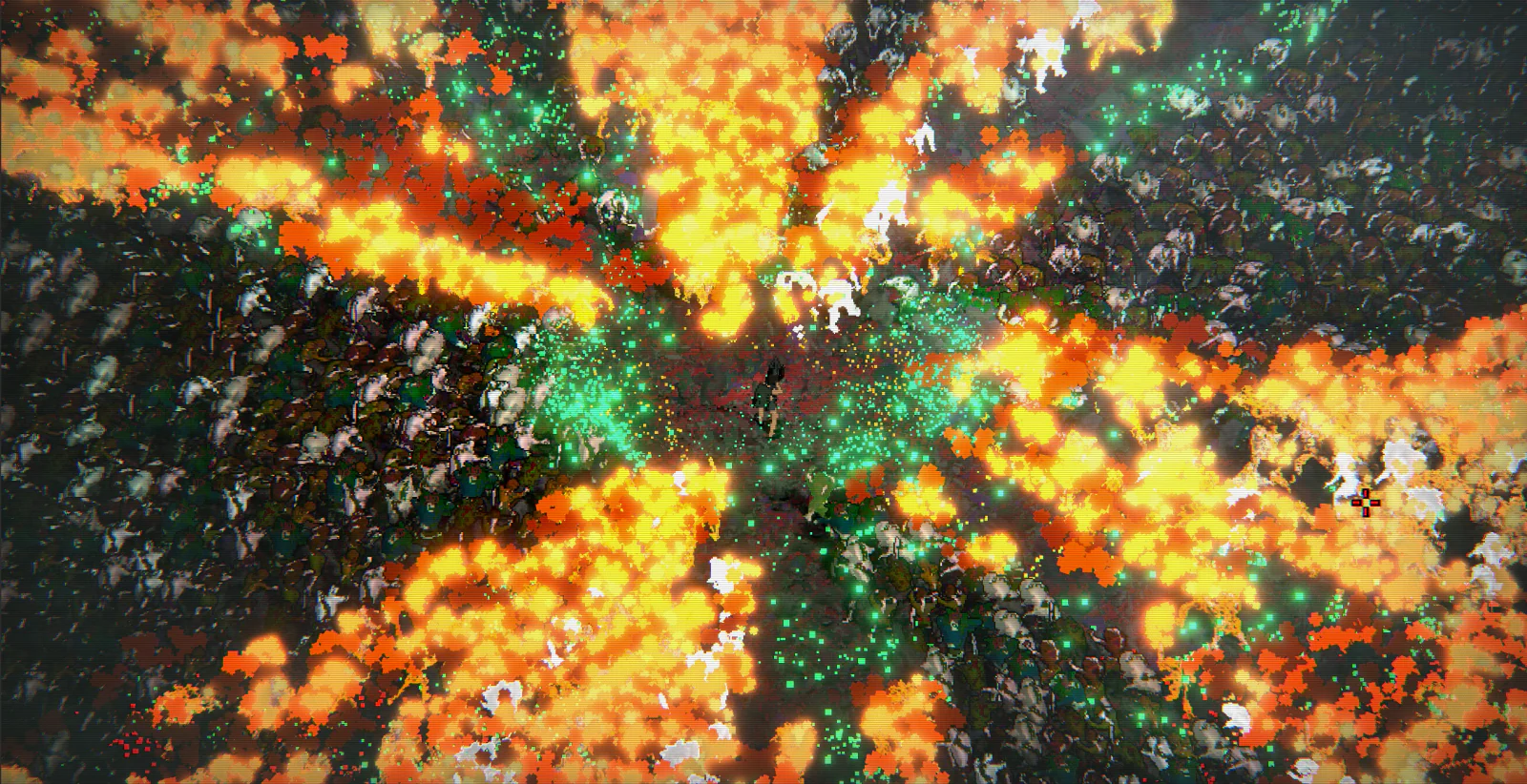
A survivor stands in a clearing surrounded by dense zombie hordes and bright particle bursts.

Bring On The Horde

Custom ECS-like simulation, batched rendering, lightweight collisions, and pooled GPU effects to keep the chaos manageable.
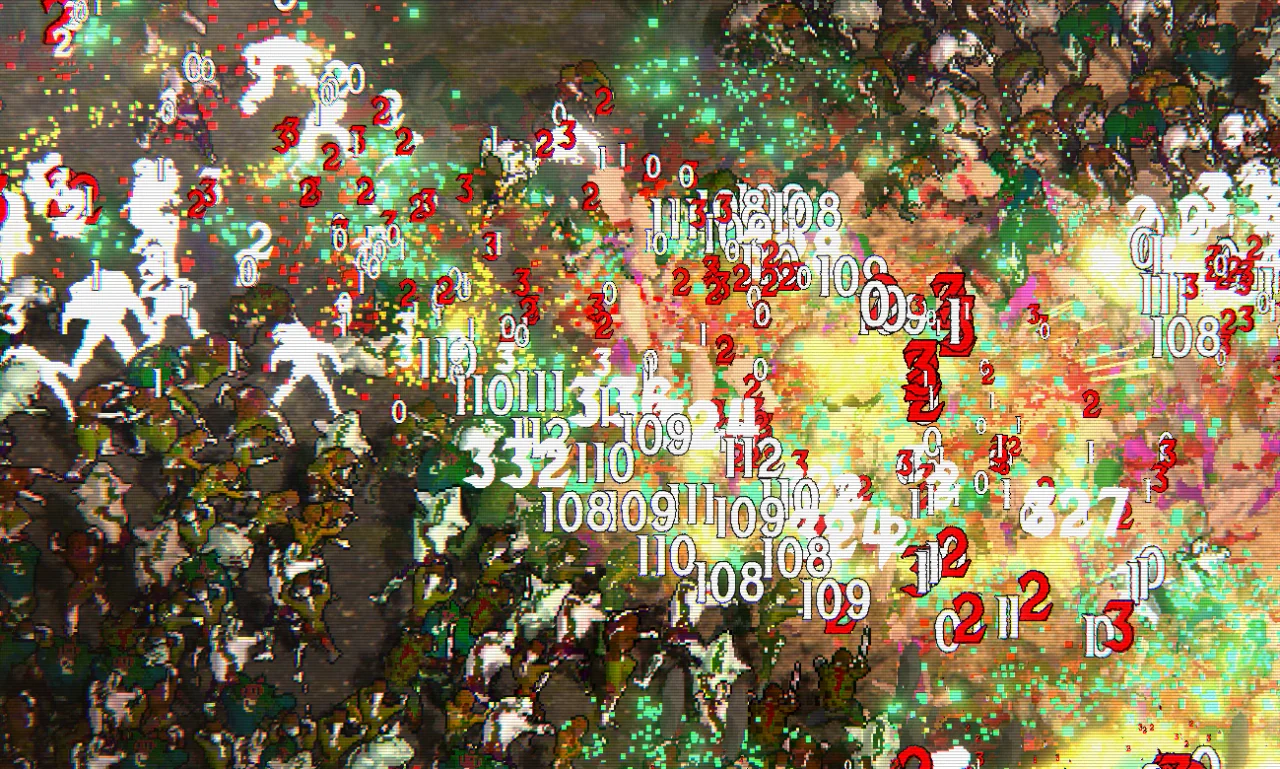
Overlapping red and white damage numbers fill a crowd of zombies amid green and yellow effects.

One Quad. Five Digits.

Packed damage text into instanced quads, with GPU-side animation, MSDF glyphs, and no separate mesh for every digit.

Mossy ground blends into a sandy terrain surface.

Infinite Terrain

Streamed terrain chunks with baked procedural textures, stochastic tiling, and height-based biome blending.

Read more

Large-Scale Enemy Simulation

The game uses a custom ECS-like architecture with cache-friendly data, lightweight physics and collision checks, and MultiMesh rendering to handle large hordes without turning every zombie into its own expensive collection of nodes. Most effects are handled through pooled GPU particles, so explosions, blood, and soul-collecting effects can pile up without constantly creating and destroying new objects.

GPU Rendering & Optimization

A lot of the visual effects are designed around doing less work, not just looking good. That means batching geometry, reducing overdraw, choosing between opaque and transparent materials, and even adjusting vertices to avoid wasting pixels on mostly empty textures. There's also selective glow, lightweight fake shadows, and a bunch of shader tricks to keep the game looking lively without throwing performance out the window.

Custom MSDF Damage Text

Even the damage numbers got their own custom renderer. Instead of creating separate geometry for every digit, each damage number is packed into a single instanced quad. Character IDs, colors, direction, timing, scaling, and effect parameters are squeezed into four floats. The shader unpacks everything, finds the right MSDF glyphs, adjusts the quad's shape, and handles animations like popping, shaking, floating, and flashing. All on the GPU.

Procedural Terrain Baking

What started as wanting nice-looking ground turned into a whole procedural terrain baking system. Stochastic tiling helps hide repeating textures, while height-based blending allows multiple biome materials to transition naturally into each other. The catch is that all those texture samples and blending calculations are expensive. So instead of doing them every frame, the terrain gets baked into chunk textures. The complicated work happens when a chunk is generated, and the game gets to use the much cheaper result afterward.

Frame-Budgeted Terrain Streaming

Of course, baking terrain is still work. Chunks are acquired from a pool based on the camera's view, and new baking jobs are spread across frames using a configurable queue. This keeps terrain generation from trying to do everything at once as the camera moves around the world.

Character Customization & Upgrades

Characters are assembled from interchangeable equipment sprites, colors, and animation data. Heads, clothing, weapons, and accessories can be mixed and matched without needing a separate animation set for every possible outfit. There's also a stat-based upgrade system for changing things like damage, movement speed, projectile count, and attack behavior. The customization UI hasn't made it into existence yet, but the underlying systems are there.

2.5D Rendering & Depth Sorting

The game might look 2D, but it's actually built in 3D behind the scenes. This allows zombies, players, and corpses to use depth-based sorting, while custom positioning and shader tricks keep everything layered correctly. Every zombie also leaves behind a corpse, rendered through MultiMesh with custom depth ordering so hundreds of thousands of bodies can accumulate without flooding the scene tree. Getting the lighting to work consistently across all these different layers took some extra math, but it means things like gun flashes can illuminate the whole scene without looking out of place.


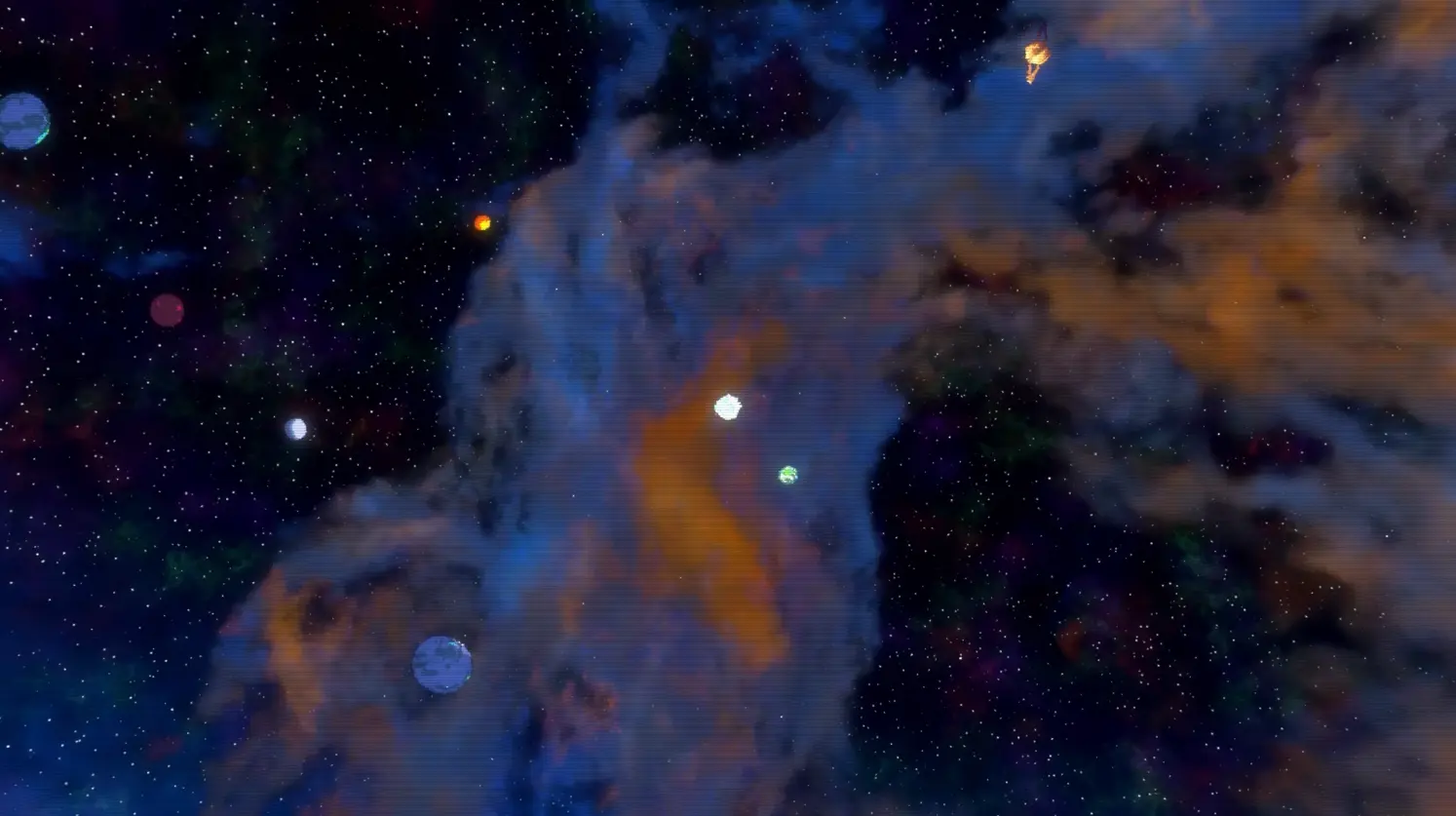
Glowing planets float against a star field with blue and orange nebulae.

Type Defender

A typing roguelike where the letters have come to invade and you must type them away! Built in Godot with a focus on beautiful coherent visuals, flashy effects, ridiculous enemy counts, and keeping everything running smoothly.

GodotC#GDScriptPythonArch ECSMSDF Instancing
Blue and turquoise nebula clouds stretch across a dense star field.

Making Space Look Good

Advanced shaders, volumetric nebulae, post process lighting, and a whole lot of tweaking to make everything mesh together.

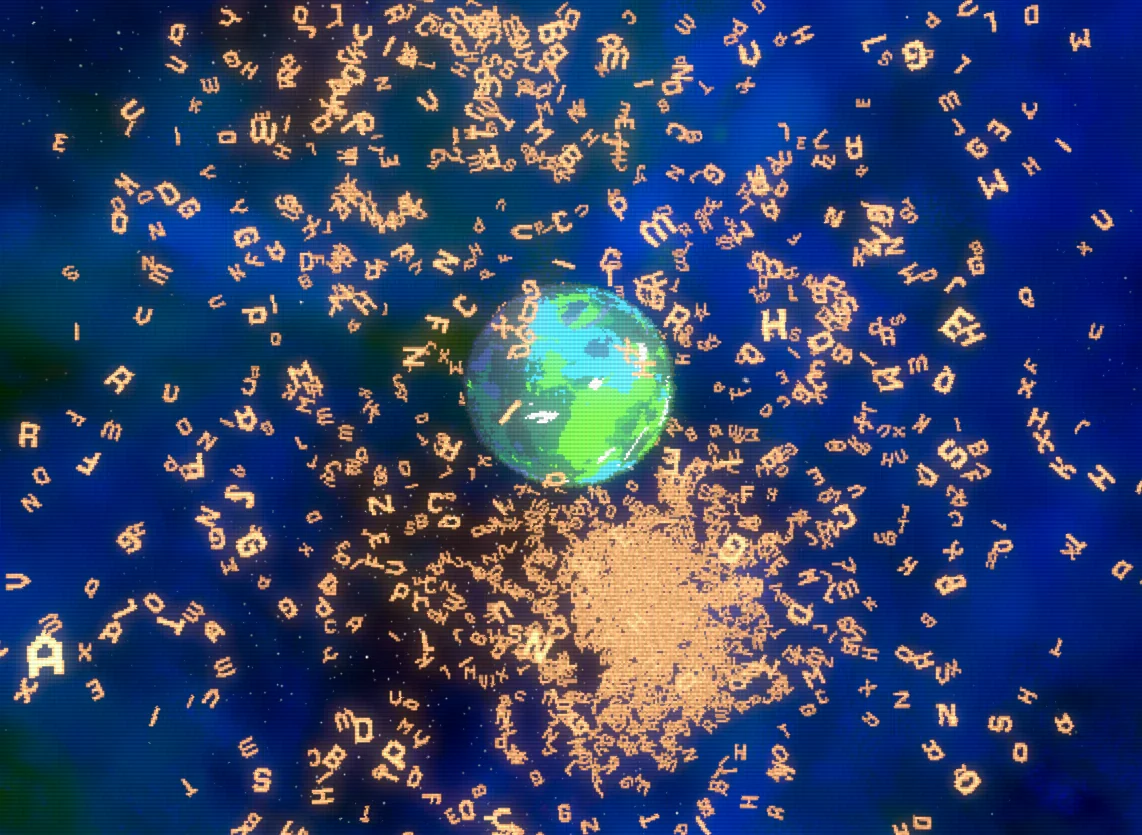
Hundreds of orange glyphs swirl around a glowing green planet.

So. Many. Letters.

Custom MSDF, MultiMesh, and ECS glyph rendering pipeline allows thousands of letters to render efficiently.

A bright white planet is surrounded by smaller colored planets against orange and blue nebulae.

Under The Hood

ECS-driven enemies with custom orbital physics behaviors, and data-oriented systems built for experimentation and performance.

Read more

Custom Glyph Rendering

Every enemy is built from individual glyphs, each with its own movement and rendering data. Underneath it all is Arch ECS, paired with custom MSDF rendering and Godot's MultiMesh system to keep thousands of letters moving without thousands of separate nodes.

Modular Enemy Architecture

Enemies aren't just sprites moving toward the player. There's a whole system of orbiting parts, deflection physics, and parent-child transformations behind them. The modular architecture makes it easy to experiment with new enemy types and behaviors without writing everything from scratch.

Procedural Space & Shaders

The universe is built with custom shaders, procedural backgrounds, nebulae, and post-processing effects. Getting all of these to look like they belong in the same world took quite a bit of tweaking, especially when the screen starts filling up with glowing letters.

High-Performance Simulation

The idea is simple: more enemies, more letters, more chaos. The implementation is a little less simple. Custom simulation systems, batched rendering, and carefully managed transformation data help keep things running smoothly as the enemy count climbs.

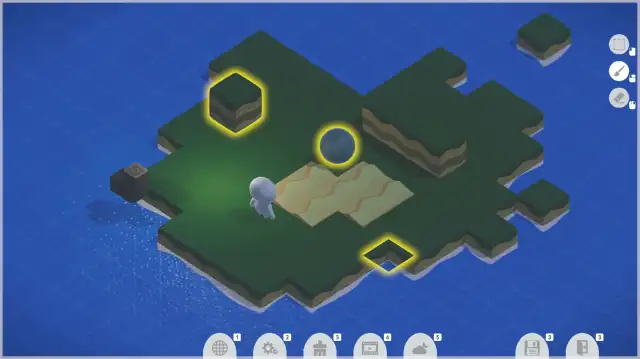
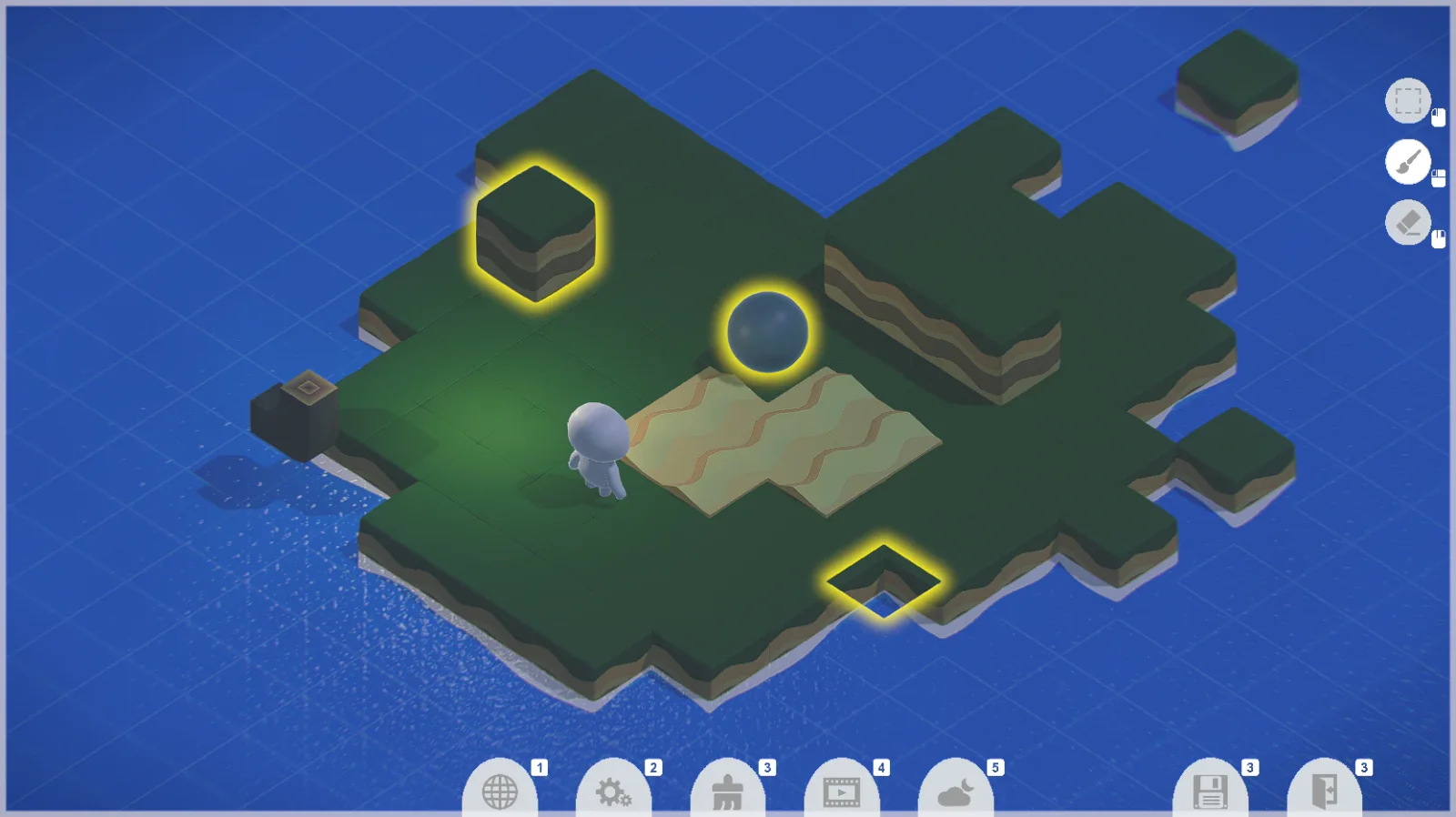
Grassy floating islands on a blue grid, with yellow selection outlines and a building toolbar.

Cubuilders

A colorful little level-building sandbox made in Unity. Place blocks, shape islands, and build your own worlds with a focus on intuitive controls, clean UI, and making level creation feel effortless.

UnityC#Editor ToolsUI/UXData-Driven Assets
Read more

Less Friction, More Building

A grid-based building system for piecing together colorful 3D worlds, one block at a time. Simple placement controls and helpful on-screen guides keep the focus on creating rather than figuring out how to use the editor.

Dynamic Asset Browser & UI

A library of placeable blocks feeds directly into a scrollable selection menu, making it easy to browse and swap between assets. Animated panels, contextual controls, and a clean interface help keep the building process smooth and unobtrusive.

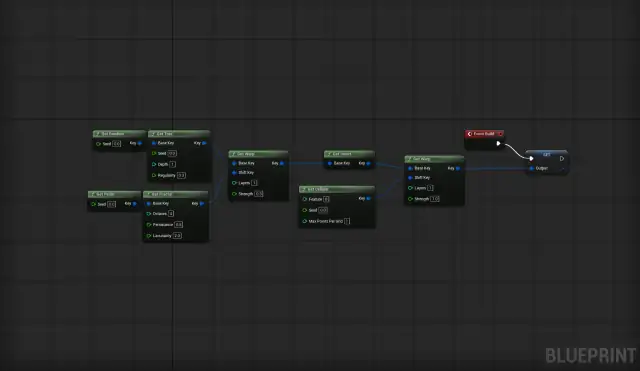
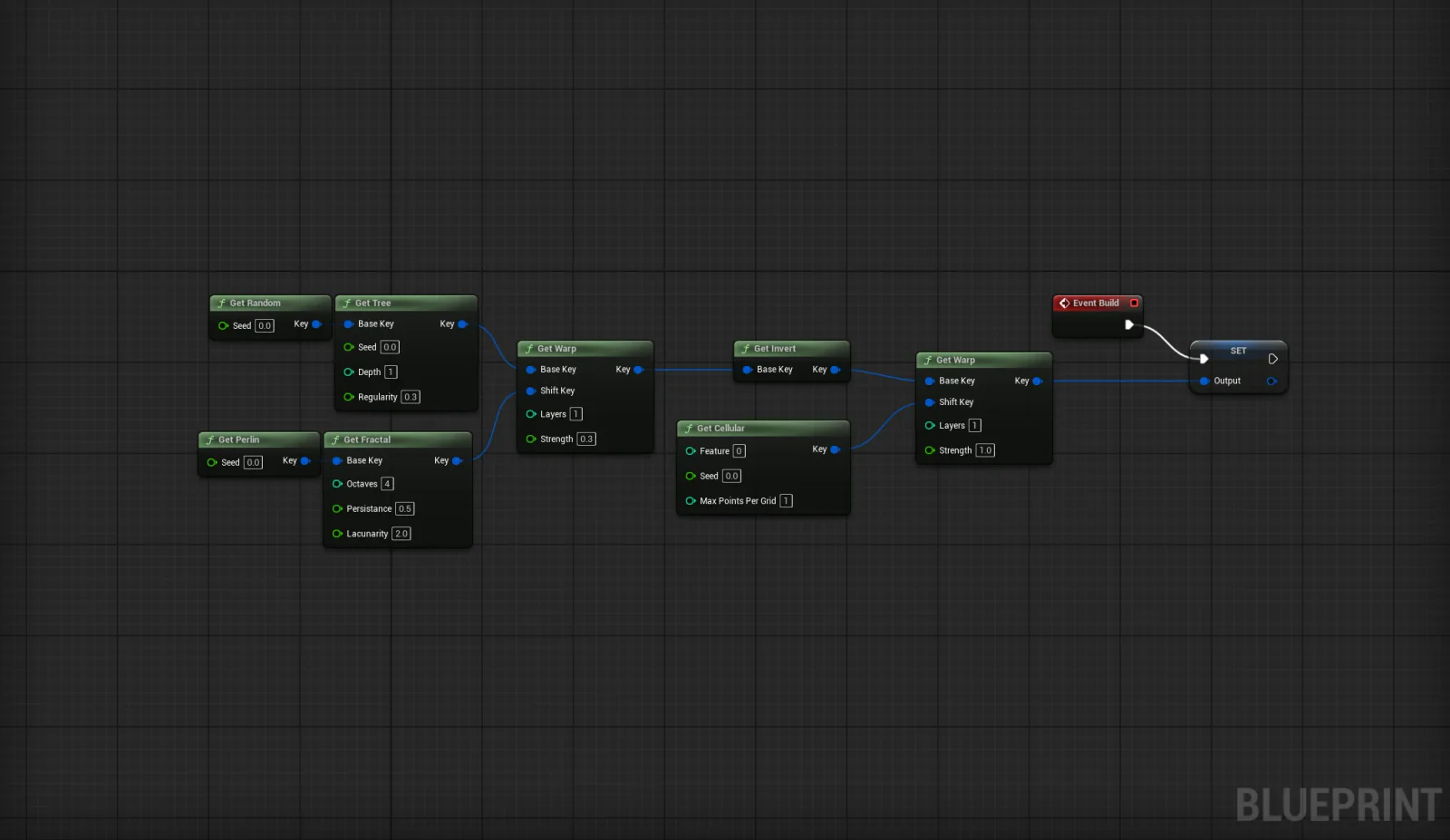
Connected noise-processing nodes feed an output in an Unreal Blueprint graph.

Rift

A procedural noise-generation playground built in C++ and Unreal Engine. Featuring custom noise algorithms, SIMD acceleration, fixed-point math, and plenty of bitwise tricks to squeeze as much performance as possible out of procedural generation.

Unreal EngineC++Developer ToolsSIMDProcedural GenerationFixed-Point Math
Read more

SIMD-Accelerated Noise

Procedural noise involves a lot of repetitive math, especially when generating large amounts of it. Rift uses custom noise algorithms with SIMD acceleration through Google Highway, allowing multiple samples to be calculated in parallel instead of processing them one at a time. The goal is to squeeze as much performance as possible out of the CPU without sacrificing flexibility.

Fixed-Point Mathematics

Floating-point calculations can produce slightly different results across hardware, which isn't ideal for reproducible procedural generation. Rift uses fixed-point arithmetic to keep noise generation deterministic, so the same inputs produce consistent results. Particularly useful when procedural worlds need to be recreated from a seed without storing all the generated data.

Bitwise & Memory Optimizations

There's quite a bit of low-level optimization happening behind the scenes. Bit manipulation, compact data representations, and carefully chosen operations help reduce unnecessary work when processing large amounts of noise data. Some of the techniques get pretty granular, but those little improvements can add up when the same calculations are repeated millions of times.

Procedural Noise Graphs

Noise gets a lot more interesting when different functions start interacting. Rift includes a visual node-based workflow for combining noise operations, tweaking parameters, and experimenting with more complex procedural patterns. It's a way to make all that low-level math a little more approachable without having to rewrite C++ every time something needs adjusting.

What do I do when I'm not making games?

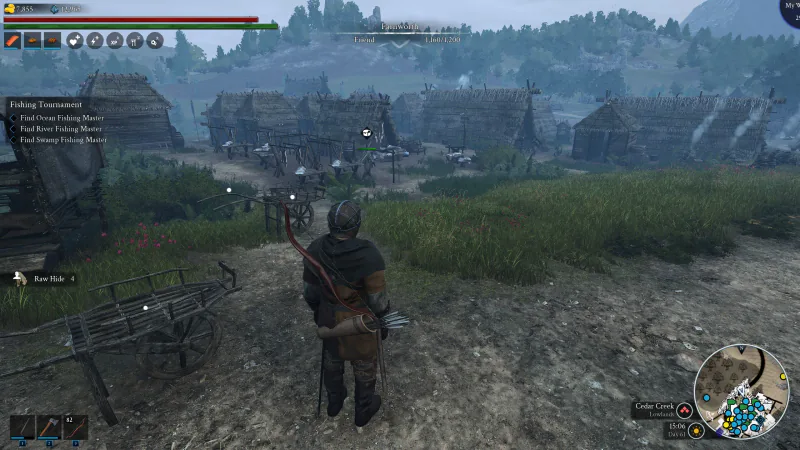
  • A third-person character overlooks thatched houses, cultivated fields, and villagers.

    Bellwright

    My own quaint village

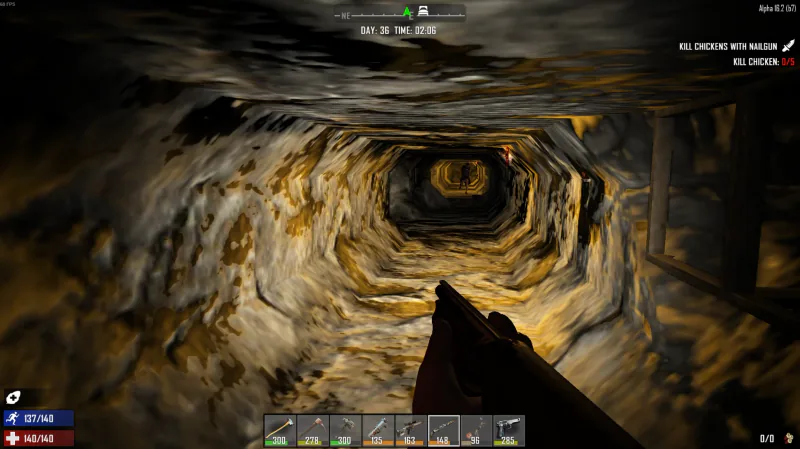
  • A first-person view down a long, roughly dug rock tunnel, with a weapon in the foreground.

    7 Days To Die

    Infinite tunneling for resources

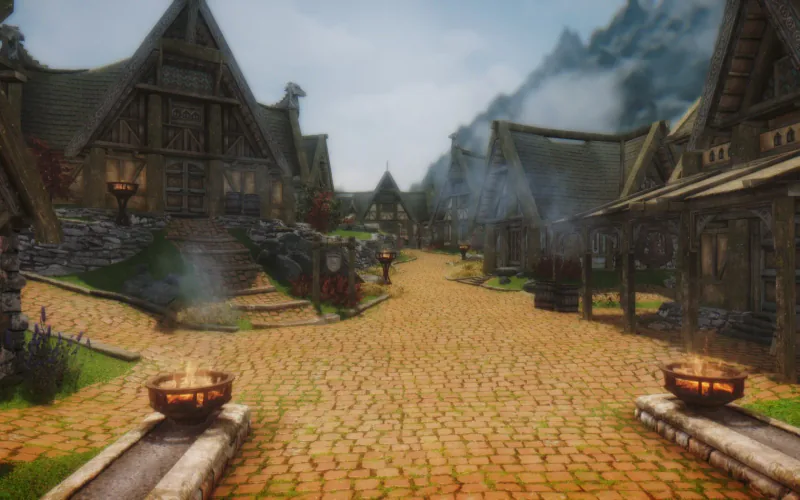
  • A cobblestone village street lined with timber houses, with braziers in the foreground.

    Skyrim

    10h of modding for 1h of gameplay

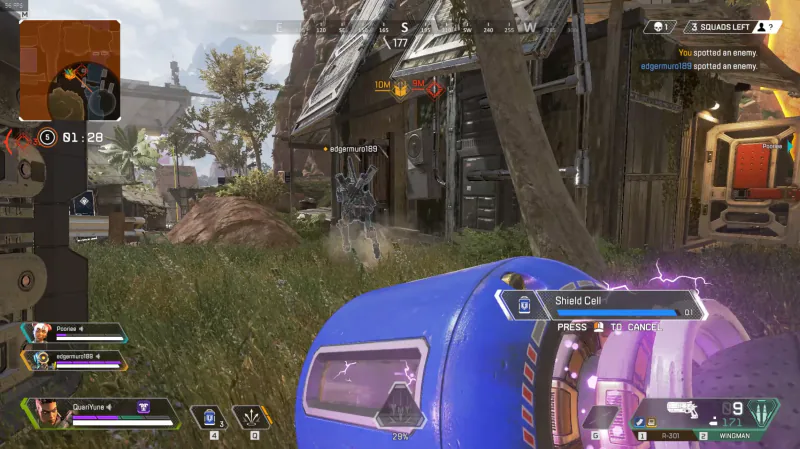
  • A player recharges a shield behind a teammate beside a wooden building.

    Apex Legends

    Final moments before wipe

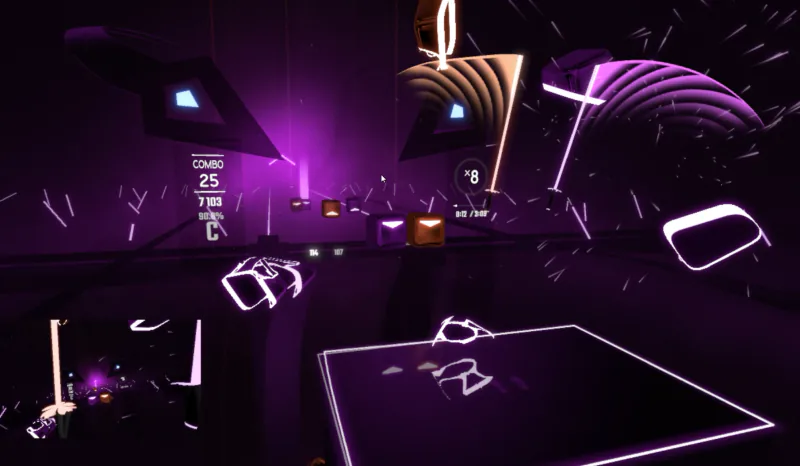
  • Purple-lit blocks and saber trails fill a rhythm-game arena, with combo and multiplier counters.

    Beat Saber

    Working up a sweat

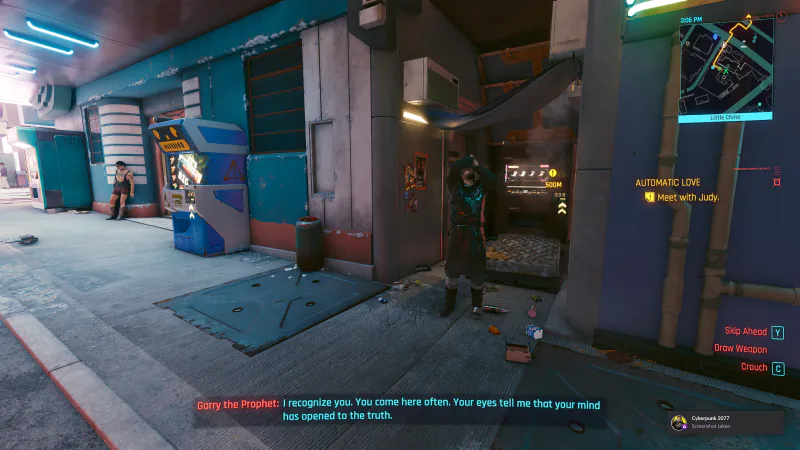
  • A man stands beside a neon-lit vending machine while dialogue subtitles appear below.

    Cyberpunk 2077

    Nice to meet you too

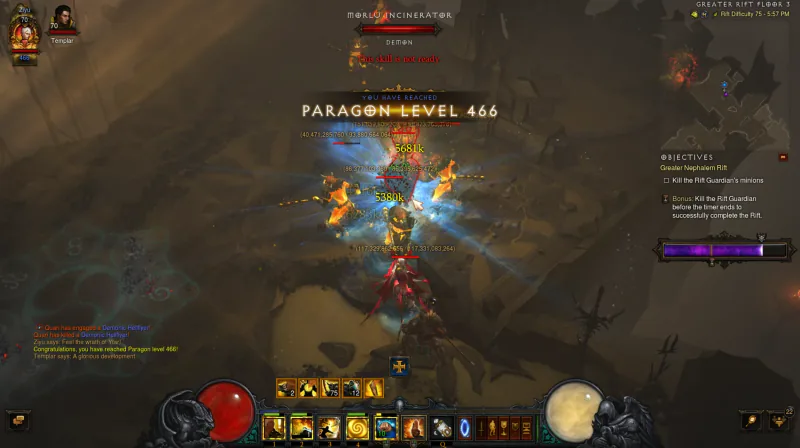
  • A character fights a cluster of enemies as a 'Paragon Level 466' banner appears.

    Diablo 3

    Endless loot runs

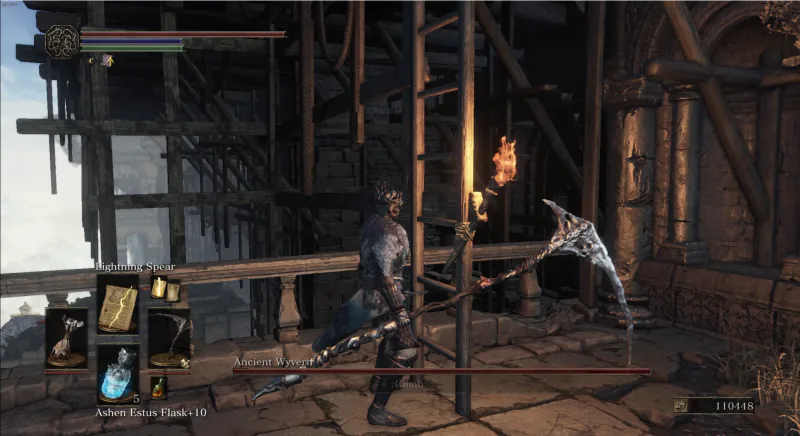
  • An armored character with a large axe stands beside wooden scaffolding and a burning torch.

    Dark Souls 3

    Dying for the hundredth time

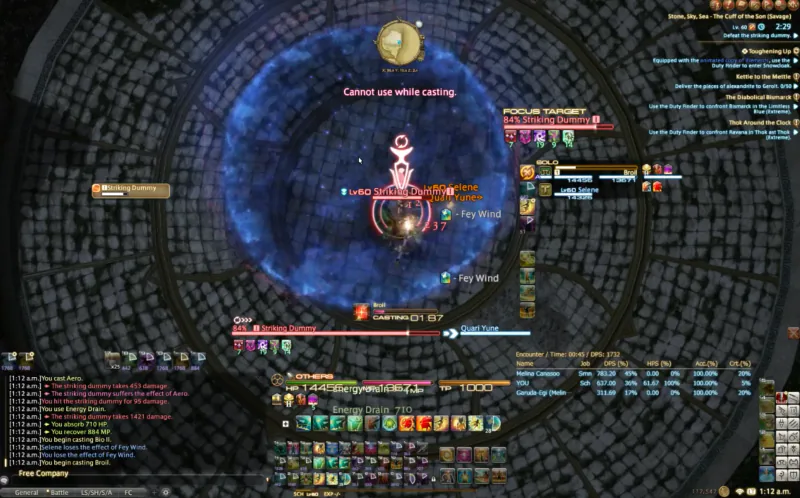
  • A character casts spells at a training dummy on a circular stone platform, with combat logs and hotbars visible.

    Final Fantasy XIV

    Grinding for top DPS as the scholar

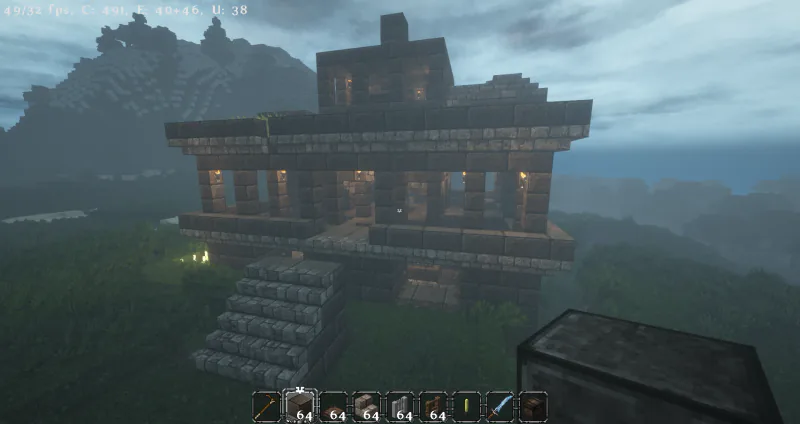
  • A torch-lit stone temple with a broad staircase stands on a grassy hillside.

    Minecraft

    Completed my temple (Used in 7DTD)

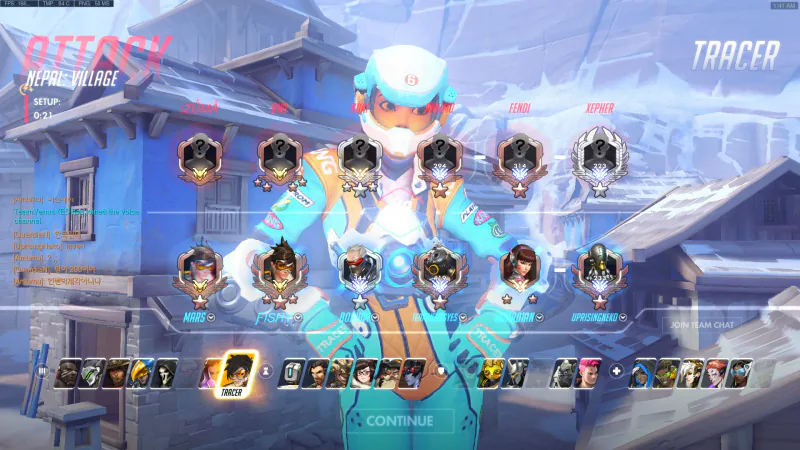
  • Tracer is selected on the hero-selection screen, with both teams' competitive rank emblems displayed.

    Overwatch

    This is gunna be a tough one

Let's Connect.

Got a project, an opportunity, or just want to chat?

hello@wangoliver.com